
Pixel Blue Lock Flick Guide: Controls and Volley Tips
Master the Pixel Blue Lock flick with the Space key, learn the PC controls for shooting and passing, and practice lifting the ball over defenders in 5v5.
Jump to

How to Flick in Pixel Blue Lock
The Pixel Blue Lock flick uses Space on PC to lift the ball over defenders. It gives you another way to attack in the game's fast 5v5 soccer matches. Keep M1 ready for a shot and M2 or R for a pass; first-time volleys are also part of the action.
PC controls — November 21, 2026
| Action | Input |
|---|---|
| Flick | Space |
| Shoot | M1 |
| Pass | M2 or R |
| Dribble | Q |
| Sprint | Shift |
| Tackle | E |
| Skills | 1, 2 |
Flick has a dedicated input separate from the numbered skills. Use Space when practicing the ball lift, and keep Q distinct in your muscle memory for dribbling.
The remaining PC controls are G for Awaken, T for Flow, and Tab for Match Stats. Using an awakening in a match earns the Awakened badge.
Official page: Pixel Blue Lock (roblox.com)
Practice Flicks, Passing, and Volleys
Build your practice around the attacking options you actually have:
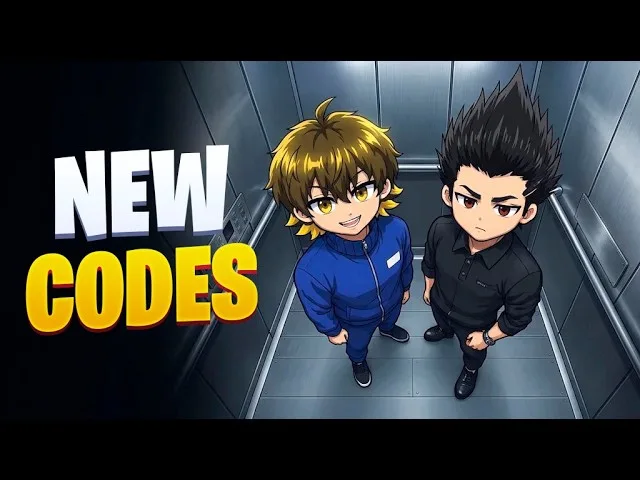
- Against a defender: Practice lifting the ball over them with Space. Mix flick attempts with dribbling practice to get comfortable with both controls.
- With a teammate: Practice passing with M2 or R alongside your flick attempts. Keep the passing input familiar so you can choose another play.
- Around goal: Work on shooting with M1 and practicing first-time volleys. Learn those inputs before trying to combine the different attacking moves.
Matches have room for 10 players, and you can join by choosing an open spot. The goalkeeper is the Blue Lock Man. Beyond PC, the game also supports mobile and console play.
For a customizable practice setup, Private Servers Plus costs 149 Robux and gives you control over bots and their difficulty, match length, the mercy rule, and restarting the game. Use the bot difficulty and restart controls to organize repeat attempts at the moves you want to practice.
Private Servers Plus also includes the ability to kick players from your server.
Continue with
 Pixel Blue Lock Flow Guide: Controls and Free SpinsLearn Pixel Blue Lock flow controls, keep Flow separate from Awakening, and find codes for normal and Lucky Flow Spins to use in this Roblox soccer game.
More in Skills

Pixel Blue Lock Awakenings: Controls and Spin Rewards
Learn how Pixel Blue Lock awakenings work, which key to press, how to earn the Awakened badge, and which code gives 4 Lucky Awakening Spins in Story Mode.

Pixel Blue Lock Dribbling: Controls and Ball Skills
Learn Pixel Blue Lock dribbling controls, use Q to dribble and Space to flick, and practice passing, sprinting, and shooting for fast 5v5 soccer on Roblox.
Pixel Blue Lock Passing: Controls and Team Play Tips
Learn Pixel Blue Lock passing controls, use M2 or R to move the ball, and link passes with dribbles, flicks, and first-time volleys in fast 5v5 games.

Pixel Blue Lock Shooting Guide: Controls and Volleys
Learn Pixel Blue Lock shooting controls, set up first-time volleys, and use dribbles, flicks, and passes to create chances in 5v5 Roblox soccer matches.
Continue exploring
Pixel Blue Lock Skills Guide: Controls and Skill Points
Learn the controls with this Pixel Blue Lock skills guide, including skill inputs, awakening, Flow, and Story Mode Skill Points. Get ready for 5v5 matches.
Pixel Blue Lock Tackling Guide: Controls and Defense
Learn Pixel Blue Lock tackling controls, use E to tackle on PC, and practice defending in 5v5 soccer with key movement inputs and private server options.
Join the community
Official channels for news, updates and player help: