
Pixel Blue Lock Skills Guide: Controls and Skill Points
Learn the controls with this Pixel Blue Lock skills guide, including skill inputs, awakening, Flow, and Story Mode Skill Points. Get ready for 5v5 matches.
Jump to

How to Use Skills in Pixel Blue Lock
In Pixel Blue Lock, press 1 or 2 to use skills, G to awaken, and T to activate Flow. This Pixel Blue Lock skills guide starts with those inputs because fast 5v5 soccer also asks you to shoot, pass, dribble, tackle, and flick the ball while finding space.
Keyboard and mouse controls — November 21, 2026
| Action | Input |
|---|---|
| Skills | 1, 2 |
| Awaken | G |
| Flow | T |
| Shoot | M1 |
| Pass | M2 / R |
| Tackle | E |
| Dribble | Q |
| Flick | Space |
| Sprint | Shift |
| Match Stats | Tab |
Keep skills, awakening, and Flow separate in your muscle memory: each has its own input. Practice reaching 1, 2, G, and T alongside the basic ball controls before trying to combine actions during an attack.
The game supports PC, mobile, and console. The keyboard and mouse inputs above apply to PC play.
Official page: Pixel Blue Lock (roblox.com)
Earning Skill Points in Story Mode
Story Mode puts your player into the Blue Lock story with the goal of becoming the #1 Striker. Its Skill Point rewards come from activities including:
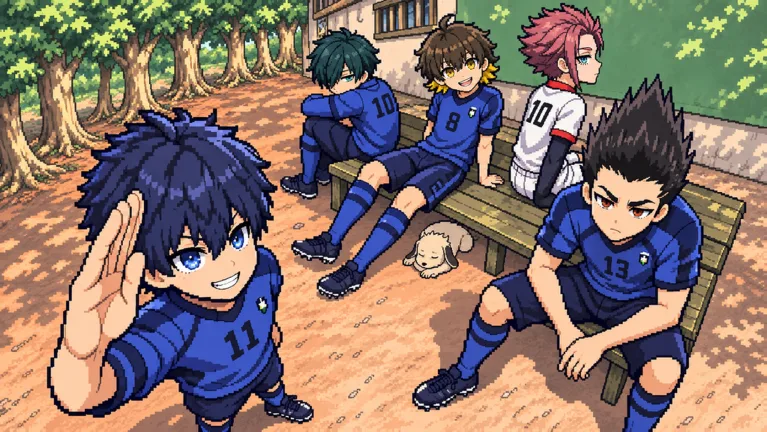 Image: Roblox / Pixel Blue Lock
- Chapters
- Matches
- Achievements
- Challenges
The Story: 2x Skill Points game pass costs 499 Robux and doubles Skill Points earned from those activities. It excludes Robux and shop items.
Read the pass names carefully before spending. Story: 2x Match Skip Speed, priced at 72 Robux, makes skipped Story Mode matches play twice as fast; its benefit concerns match skipping speed. The Skill Points pass is the purchase that doubles those progression rewards.
Practicing Dribbles, Flicks, and Finishing
Build practice around the actions you will use in a match. Work on Q for dribbling, Space for flicking, and M1 for shooting separately, then look for openings to use them during play. Try flicking the ball over defenders and attempting first-time volleys against the Blue Lock Man in goal.
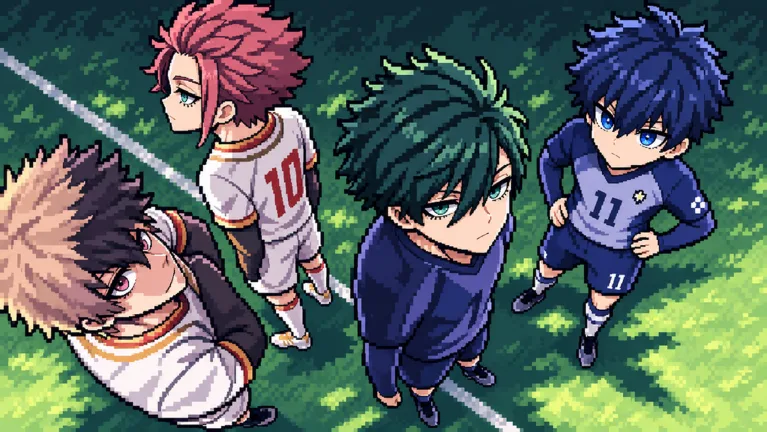 Image: Roblox / Pixel Blue Lock
Use M2 or R to pass when a teammate has space. In a full 5v5 match, keep the pass input within reach alongside your attacking skills so you can act on an opening quickly.
For configurable practice, Private Servers Plus costs 149 Robux. It lets you control match length, the mercy rule, bots and their difficulty, and restart the game. Use the bot difficulty controls to structure practice around dribbling, flicks, or finishing.
Awakening also has a concrete milestone: using an awakening in a match earns the Awakened badge. Keep G in your control routine alongside the skill buttons.
Continue with
 Pixel Blue Lock Tackling Guide: Controls and DefenseLearn Pixel Blue Lock tackling controls, use E to tackle on PC, and practice defending in 5v5 soccer with key movement inputs and private server options.
More in Skills

Pixel Blue Lock Awakenings: Controls and Spin Rewards
Learn how Pixel Blue Lock awakenings work, which key to press, how to earn the Awakened badge, and which code gives 4 Lucky Awakening Spins in Story Mode.
Pixel Blue Lock Dribbling: Controls and Ball Skills
Learn Pixel Blue Lock dribbling controls, use Q to dribble and Space to flick, and practice passing, sprinting, and shooting for fast 5v5 soccer on Roblox.
Pixel Blue Lock Flick Guide: Controls and Volley Tips
Master the Pixel Blue Lock flick with the Space key, learn the PC controls for shooting and passing, and practice lifting the ball over defenders in 5v5.
Pixel Blue Lock Flow Guide: Controls and Free Spins
Learn Pixel Blue Lock flow controls, keep Flow separate from Awakening, and find codes for normal and Lucky Flow Spins to use in this Roblox soccer game.
Join the community
Official channels for news, updates and player help: