Pixel Blue Lock Beginner Guide: Controls, Codes & Tips
Use this Pixel Blue Lock beginner guide to learn controls, jump into 5v5 and Story Mode, redeem spin codes, and understand upgrades before spending Robux.

Start With the Ball Controls
Start Pixel Blue Lock by learning to shoot, pass, tackle, and dribble, then join a 5v5 match through an open spot or enter Story Mode. Those basics give you options whenever you gain possession. The core advice in this Pixel Blue Lock beginner guide: practice the ball controls before chasing new abilities.
PC Controls — November 21, 2026
| Action | Input |
|---|---|
| Shoot | M1 |
| Pass | M2 / R |
| Tackle | E |
| Dribble | Q |
| Flick | Space |
| Sprint | Shift |
| Skills | 1, 2 |
| Awaken | G |
| Flow | T |
| Match Stats | Tab |
-
Learn shooting and passing together. Practice choosing between an attempt on goal and a pass to a teammate. Keep the pass input as familiar as Shoot so you can move the ball when a defender closes in.
-
Add dribbling and flicks next. Use Q to practice dribbling past defenders, then experiment with Space to flick the ball over them. Work on each action separately before trying to combine them.
Pixel Blue Lock also supports mobile and console. The keyboard and mouse bindings above apply to PC.
Make Your First 5v5 Matches Count
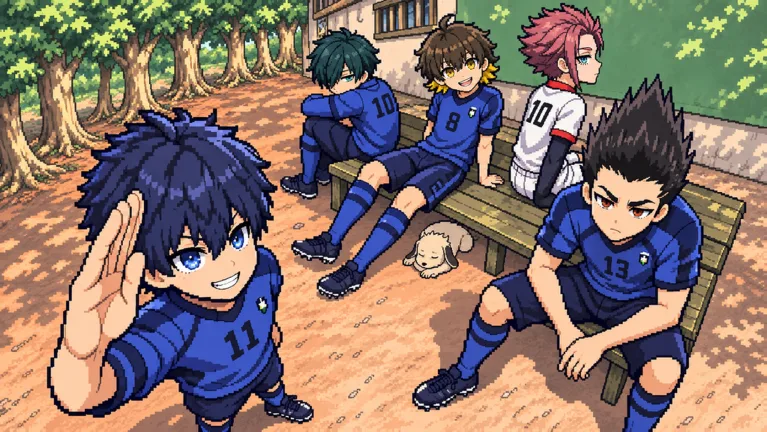 Image: Roblox / Pixel Blue Lock
-
Select an open spot to join a match. Standard matches are 5v5, with a maximum of 10 players per server. Launch Pixel Blue Lock on Roblox, pick an available position, and focus on getting involved in passing plays.
-
Give the player with the ball a passing option. Move into space instead of following directly behind your teammate. When you receive possession, look for a shooting lane or another pass before attempting to dribble through defenders.
-
Practice tackles and advanced shots deliberately. Use E when defending, and experiment with flicks and first-time volleys when attacking. Choose one technique to work on during a match rather than trying every move at once.
Skills, Awakening, and Flow have separate inputs. Keep 1, 2, G, and T in mind as you learn your available abilities, but keep practicing the basic ball actions alongside them.
Explore Story Mode and Co-op
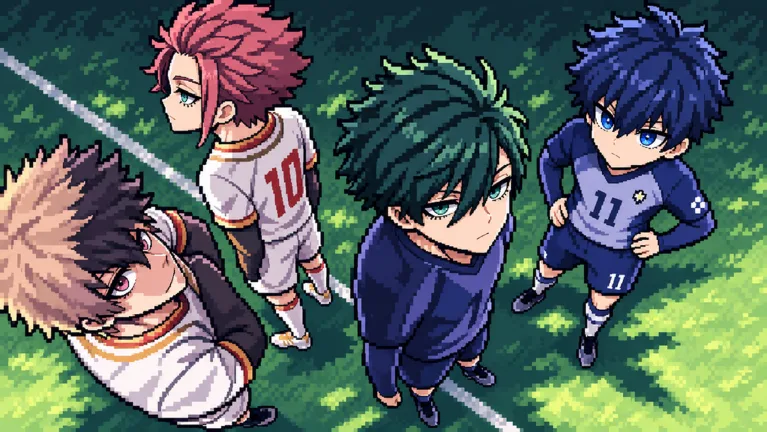 Image: Roblox / Pixel Blue Lock
- Enter Story Mode for the Blue Lock storyline. This mode puts your striker into the story with the goal of becoming number one. The November 20 CO-OP + KARASU update added co-op Story Mode, the Karasu style, and more side story lines.
Try co-op Story Mode when you want to tackle the story with someone else. Keep standard 5v5 matches in your rotation to practice passing, defending, and shooting against opposing players.
- Learn the difference between Story Mode resources. Skill Points come from chapters, matches, achievements, challenges, and other Story Mode activities. Ego Shards come from achievements, daily rewards, challenges, and matches. Pay attention to the resource named on a reward or purchase before spending.
Story Mode also has milestones beyond simply entering the game. Awakened requires using an awakening in a match, while Wild Card Survivor requires getting sent to the Wild Card and fighting your way back.
Redeem Codes for Spins and Coins
 Image: Roblox / Pixel Blue Lock
- Claim code rewards before buying spins. These codes offer Style, Flow, and Awakening spins, giving you more opportunities to explore abilities.
| Code | Spin and coin rewards |
|---|---|
| REORELEASE | 4 Style Spins, 1,500 Coins, and 4 Lucky Style Spins |
| KUNIGAMI | 4 Flow Spins and 4 Lucky Flow Spins |
| NIGHTMARE | 4 Lucky Awakening Spins |
Redeem NIGHTMARE in Story Mode.
To enter a code:
- Open the Codes menu.
- Type or paste the code exactly as shown.
- Select Redeem.
Keep Style Spins, Flow Spins, and Awakening Spins separate when reading rewards. A code granting one type does not promise the others.
Avoid Buying the Wrong Upgrade
- Match purchases to the mode and reward you want. Story Mode multipliers target specific resources, while VIP doubles game coins.
| Game pass | Price | What it provides |
|---|---|---|
| Story: 2x Skill Points | 499 Robux | Doubles Skill Points from Story Mode activities; Robux and shop items are excluded |
| Story: 2x Ego Shards | 405 Robux | Doubles Ego Shards from Story Mode activities; Robux packs and codes are excluded |
| VIP | 499 Robux | 2x game coins, a gold name, and a VIP tag |
| Skip Spin | 99 Robux | Skips the spin animation |
Choose a Story Mode multiplier only after deciding which resource you want more of. For code rewards specifically, remember that Story: 2x Ego Shards excludes codes.
Read convenience purchases just as carefully. Skip Spin changes the animation, while Story: 2x Match Skip Speed, priced at 72 Robux, makes skipped Story Mode matches play twice as fast. Pick the purchase that addresses the activity you actually spend time doing.
Continue with
 Pixel Blue Lock Story Mode Guide: Co-Op and RewardsExplore Pixel Blue Lock story mode with co-op details, PC controls, progression rewards, game pass prices, and NIGHTMARE code's redemption requirement.
Continue exploring
Pixel Blue Lock Flow Guide: Controls and Free Spins
Learn Pixel Blue Lock flow controls, keep Flow separate from Awakening, and find codes for normal and Lucky Flow Spins to use in this Roblox soccer game.
Pixel Blue Lock Awakenings: Controls and Spin Rewards
Learn how Pixel Blue Lock awakenings work, which key to press, how to earn the Awakened badge, and which code gives 4 Lucky Awakening Spins in Story Mode.
Join the community
Official channels for news, updates and player help: