Pixel Blue Lock PC Controls: Every Keyboard and Mouse Input
Learn Pixel Blue Lock pc controls for shooting, passing, tackling, skills, awakening, and Flow. Get the full keyboard and mouse layout for your next match.
Jump to

What Are the PC Controls in Pixel Blue Lock?
Pixel Blue Lock PC controls put shooting on M1 (left click), passing on M2 (right click) or R, tackling on E, and dribbling on Q. Use Space to flick, Shift to sprint, 1 and 2 for skills, G to awaken, T for Flow, and Tab for match stats.
PC keyboard and mouse layout — November 21, 2026
| Action | PC Input |
|---|---|
| Shoot | M1 — left mouse button |
| Pass | M2 — right mouse button, or R |
| Tackle | E |
| Dribble | Q |
| Flick | Space |
| Sprint | Shift |
| Skills | 1, 2 |
| Awaken | G |
| Flow | T |
| Match stats | Tab |
Pay particular attention to Space for flicking and R as an alternative pass button. Keep those bindings in mind when building your keyboard habits.
Official page: Pixel Blue Lock (roblox.com)
Practice Shooting, Passing, and Ball Control
Pixel Blue Lock runs fast 5v5 soccer matches, so start with the inputs you'll use around the ball:
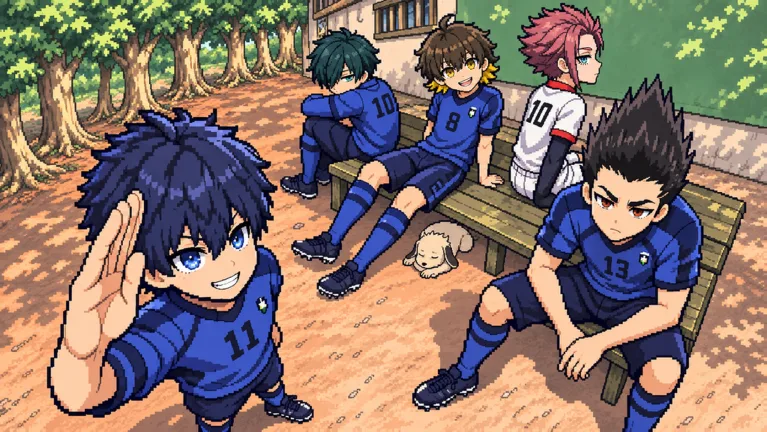 Image: Roblox / Pixel Blue Lock
- Practice both pass inputs. Try right click and R, then use whichever feels more comfortable alongside your other controls.
- Learn Q and Space separately. Practice the dribble and flick actions individually before working them into the same attacking sequence.
- Pair defensive practice with E and Shift. Get comfortable reaching tackle and sprint without looking down at your keyboard.
The game includes first-time volleys and flicks over defenders. Practice the flick input before trying to carry the ball past an opponent with it.
Keep Skills, Awakening, and Flow Straight
The 1 and 2 keys activate skills, while G activates awakening and T activates Flow. Memorize these as separate inputs so you can reach the action you intend during a match.
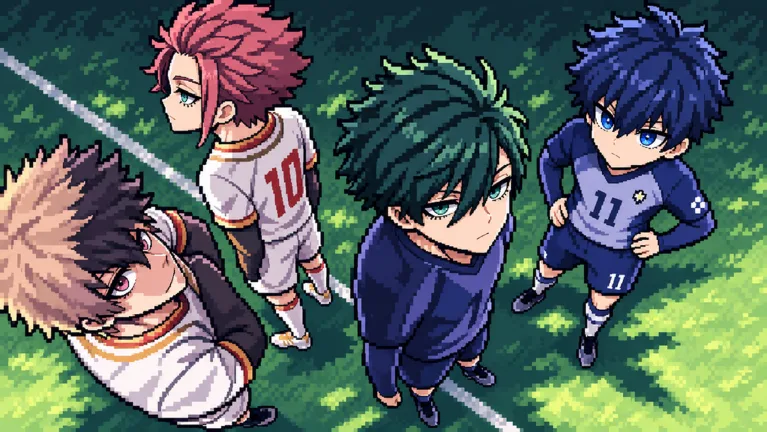 Image: Roblox / Pixel Blue Lock
Using an awakening in a match earns the Awakened badge. When you're ready to use that action, remember that its key is G.
Press Tab to view match stats. Keep it separate from T in your muscle memory: T is your Flow input.
Continue with
 Pixel Blue Lock Controls Guide: All Buttons ExplainedUse this Pixel Blue Lock controls guide to learn every PC keybind for shooting, passing, tackling, skills, Awaken, and Flow before your next 5v5 match.
More in Controls
See all ControlsContinue exploring

Pixel Blue Lock Karasu: New Style and Co-Op Update
Pixel Blue Lock Karasu arrives with co-op Story Mode, more side stories, and quality-of-life changes. Explore the update and learn the core match controls.

Pixel Blue Lock Beginner Guide: Controls, Codes & Tips
Use this Pixel Blue Lock beginner guide to learn controls, jump into 5v5 and Story Mode, redeem spin codes, and understand upgrades before spending Robux.
Join the community
Official channels for news, updates and player help: