Pixel Blue Lock Dribbling: Controls and Ball Skills
Learn Pixel Blue Lock dribbling controls, use Q to dribble and Space to flick, and practice passing, sprinting, and shooting for fast 5v5 soccer on Roblox.
Jump to

How to Dribble in Pixel Blue Lock
Pixel Blue Lock dribbling uses Q on PC. Press Space to flick the ball, Shift to sprint, and M2 or R to pass. In its 5v5 soccer matches, practice those inputs together so you can choose between taking on a defender, moving into space, or passing to a teammate.
PC Controls — November 21, 2026
| Action | Input |
|---|---|
| Dribble | Q |
| Flick | Space |
| Sprint | Shift |
| Pass | M2 / R |
| Shoot | M1 |
| Tackle | E |
| Skills | 1, 2 |
Keep Q and Space distinct in your practice: dribbling and flicking have separate inputs. The game supports flicking the ball over defenders and finishing with first-time volleys, so include both ground play and aerial touches in your practice.
Pixel Blue Lock also supports mobile and console. The bindings above are for PC.
Official page: Pixel Blue Lock (roblox.com)
Practice Turning a Dribble Into a Play
Give each attempt a purpose: get past a defender, create a passing opportunity, or find room to shoot.
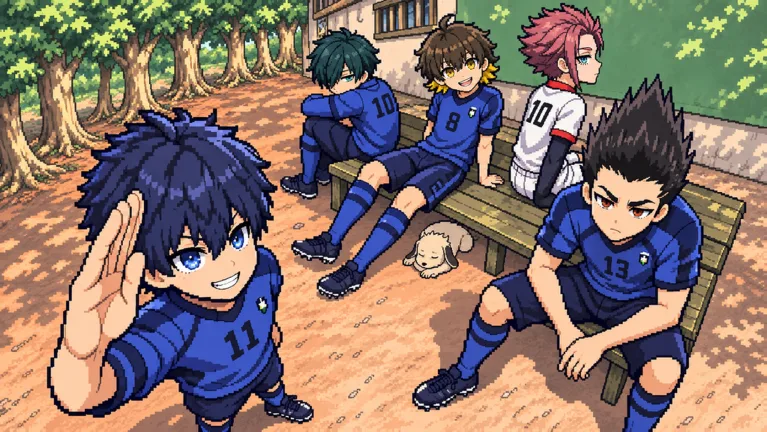 Image: Roblox / Pixel Blue Lock
- Practice the dribble input first. Use Q while carrying the ball and get comfortable reaching it alongside your movement controls.
- Work on flicks separately. Practice using Space to send the ball over a defender before trying to combine that move with a finish.
- Keep the pass available. Use M2 or R when a teammate has space. In a 5v5 match, look for the pass before committing to another individual move.
- Finish the possession. Practice following your approach with an M1 shot, or work on first-time volleys after aerial play.
Use Shift deliberately during these exercises. Practice choosing when to sprint instead of holding it throughout every attempt.
Set Up a Controlled Practice Match
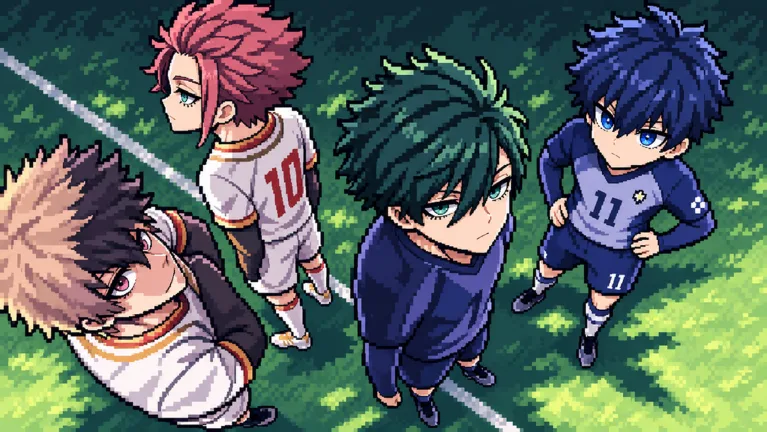 Image: Roblox / Pixel Blue Lock
Private Servers Plus costs 149 Robux and gives you control over match length, the mercy rule, bots, and bot difficulty. It also includes options to restart the game and kick players.
Use those controls to focus a session on one action. Practice Q dribbles against bots, then switch your focus to Space flicks or passing. Adjust bot difficulty as you practice, and use the restart option when you want to begin another match.
Continue with
 Pixel Blue Lock Flick Guide: Controls and Volley TipsMaster the Pixel Blue Lock flick with the Space key, learn the PC controls for shooting and passing, and practice lifting the ball over defenders in 5v5.
More in Skills
Pixel Blue Lock Awakenings: Controls and Spin Rewards
Learn how Pixel Blue Lock awakenings work, which key to press, how to earn the Awakened badge, and which code gives 4 Lucky Awakening Spins in Story Mode.
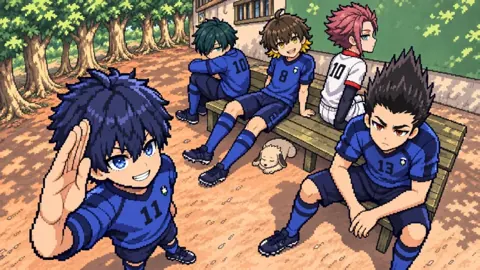
Pixel Blue Lock Flow Guide: Controls and Free Spins
Learn Pixel Blue Lock flow controls, keep Flow separate from Awakening, and find codes for normal and Lucky Flow Spins to use in this Roblox soccer game.
Pixel Blue Lock Passing: Controls and Team Play Tips
Learn Pixel Blue Lock passing controls, use M2 or R to move the ball, and link passes with dribbles, flicks, and first-time volleys in fast 5v5 games.
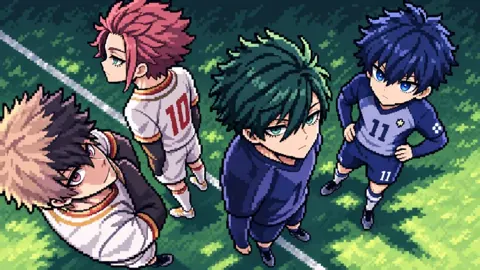
Pixel Blue Lock Shooting Guide: Controls and Volleys
Learn Pixel Blue Lock shooting controls, set up first-time volleys, and use dribbles, flicks, and passes to create chances in 5v5 Roblox soccer matches.
Continue exploring
Join the community
Official channels for news, updates and player help: