Pixel Blue Lock Controls Guide: All Buttons Explained
Use this Pixel Blue Lock controls guide to learn every PC keybind for shooting, passing, tackling, skills, Awaken, and Flow before your next 5v5 match.
Jump to
What Are the Pixel Blue Lock Controls?
This Pixel Blue Lock controls guide puts the PC inputs within reach during 5v5 matches. Use M1 to shoot, M2 or R to pass, E to tackle, Q to dribble, Space to flick, and Shift to sprint. Press 1 or 2 for skills, G for Awaken, T for Flow, and Tab for match stats.
PC Controls — November 21, 2026
| Action | PC input |
|---|---|
| Shoot | M1 — left mouse button |
| Pass | M2 — right mouse button, or R |
| Tackle | E |
| Dribble | Q |
| Flick | Space |
| Sprint | Shift |
| Skills | 1, 2 |
| Awaken | G |
| Flow | T |
| Match Stats | Tab |
Passing has two listed inputs: M2 and R perform the same action. Use whichever feels more comfortable alongside your other controls.
Shooting, Passing, and Flicking
Your main attacking inputs are M1 for shooting and M2 or R for passing. Practice moving between those buttons so you can choose a shot or a pass without looking down at your keyboard.
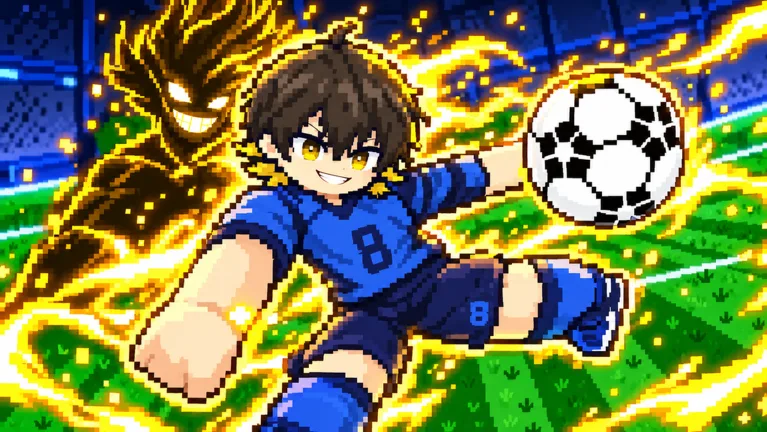 Image: Roblox / Pixel Blue Lock
Keep these ball-control actions distinct:
- Q — Dribble: Practice reaching this key while keeping your shooting and passing inputs accessible.
- Space — Flick: Use the flick to try lifting the ball over a defender.
Pixel Blue Lock also features first-time volleys. Practice the basic shooting input before working on those finishes; start by getting comfortable with M1 whenever a scoring opportunity opens up.
Tackling and Sprinting
E tackles, while Shift sprints. Keep both within comfortable reach during a match, but learn them as separate actions: one is your tackle input, and the other controls sprinting.
Practice remembering the difference between E for tackle and Q for dribble. Those neighboring keys handle different jobs, so rehearse each deliberately before relying on them during a crowded 5v5 exchange.
Skills, Awaken, and Flow
The remaining action inputs are 1 and 2 for skills, G for Awaken, and T for Flow. Learn their positions after you have the shooting, passing, and ball-control buttons down.
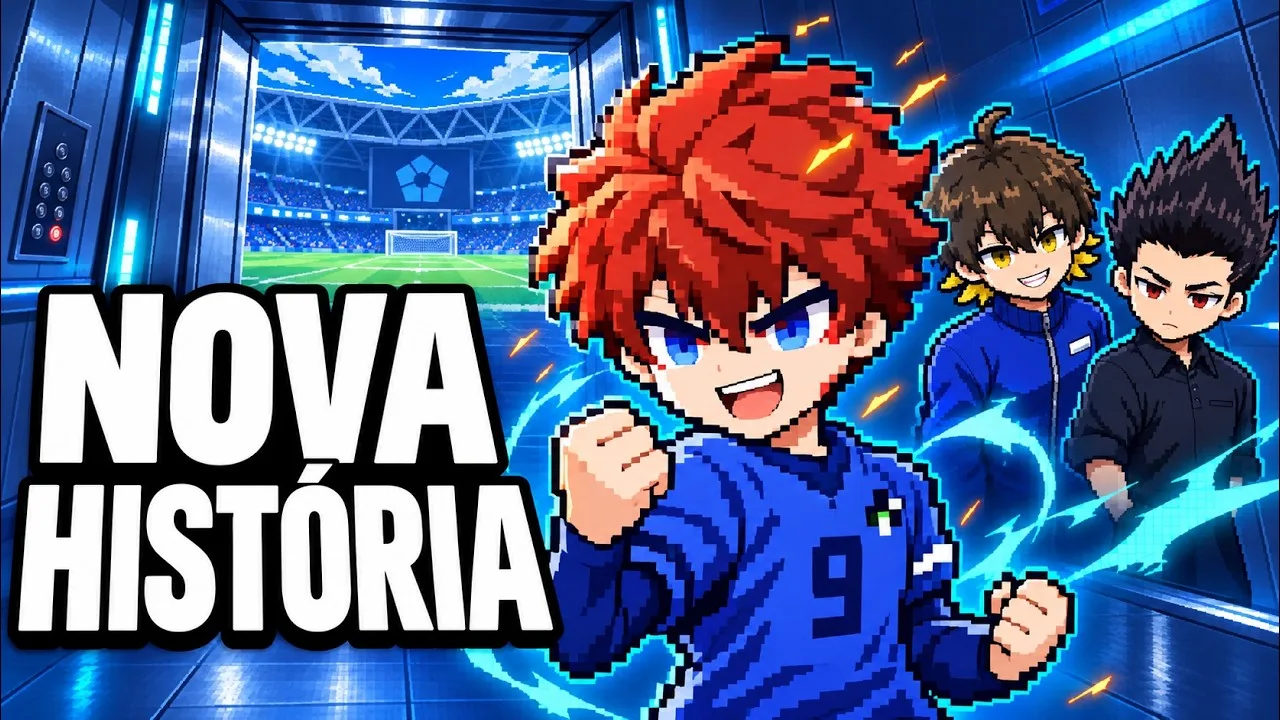
Using an awakening in a match earns the Awakened badge. Press Tab whenever you want to view match stats.
Playing on Mobile or Console
Pixel Blue Lock supports PC, mobile, and console. The keyboard and mouse bindings above apply to PC play.
To jump into a match, play Pixel Blue Lock on Roblox and choose an open spot. Matches support full 5v5 teams, with a maximum of 10 players per server.
Continue with
 Pixel Blue Lock Match Statistics: How to Open the PanelOpen Pixel Blue Lock match statistics with Tab on PC. Learn the match stats shortcut, review the core controls, and get ready for fast 5v5 soccer matches.
More in Controls
See all ControlsContinue exploring

Pixel Blue Lock Karasu: New Style and Co-Op Update
Pixel Blue Lock Karasu arrives with co-op Story Mode, more side stories, and quality-of-life changes. Explore the update and learn the core match controls.
Pixel Blue Lock Beginner Guide: Controls, Codes & Tips
Use this Pixel Blue Lock beginner guide to learn controls, jump into 5v5 and Story Mode, redeem spin codes, and understand upgrades before spending Robux.
Join the community
Official channels for news, updates and player help: